
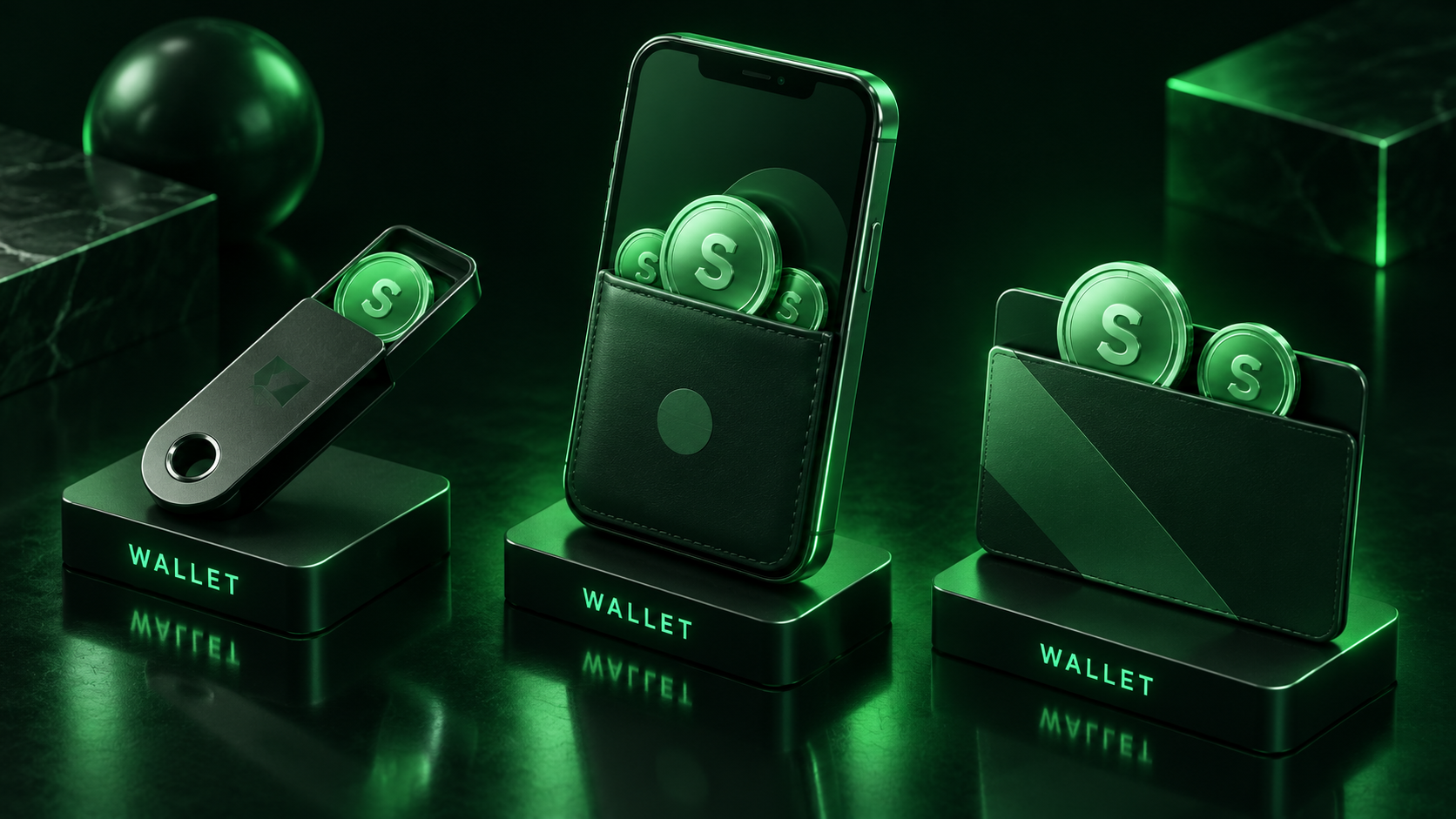
The best wallets for Sonic (S) are Rabby and MetaMask for everyday use, a Ledger hardware wallet paired with either one for long-term storage, and Safe for teams that need multisig control. Because Sonic is EVM-compatible, almost any Ethereum-style wallet can hold S once you add the network with chain ID 146. The real choice is about security level and convenience.
Sonic Wallets at a Glance
| Wallet | Type | Best for | Sonic support |
|---|---|---|---|
| Rabby | Browser extension, mobile, desktop | Active DeFi users | Built in, with pre-transaction risk checks |
| MetaMask | Browser extension, mobile | Users who already have it | Add Sonic manually or via ChainList |
| Trust Wallet | Mobile | Phone-first holders | Listed in Sonic's wallet docs |
| Ledger (with Rabby or MetaMask) | Hardware signer | Long-term storage | Signs Sonic transactions through the connected wallet |
| Safe | Smart contract multisig | Teams, DAOs, large holdings | Multisig accounts on Sonic |
Rabby, MetaMask and Trust Wallet all appear in the official Sonic wallet documentation, which also lists the network parameters for manual setup.
Software Wallets for Everyday Use
Rabby is the strongest default for anyone using Sonic DeFi. It detects the network automatically, shows a simulation of each transaction's effect on your balances before you sign, and flags risky approvals. Its open-source code and multi-platform apps make it easy to move between desktop and phone.
MetaMask works just as well for holding S, and its main advantage is familiarity. If you already use it for Ethereum, adding Sonic takes a minute and your existing hardware wallet connection carries over.
Trust Wallet covers phone-first users who want a single app across many chains, with Sonic support listed in the official docs. Mobile wallets carry more exposure to phone malware and phishing than a hardware setup, so they suit spending balances better than savings.
All three wallets handle the everyday actions S holders take, from swaps on Sonic's low-fee network, where Sonic Fee Monetization passes part of each fee to the app you use, to delegating through the official portal as described in our Sonic staking guide.
Hardware and Multisig for Larger Holdings
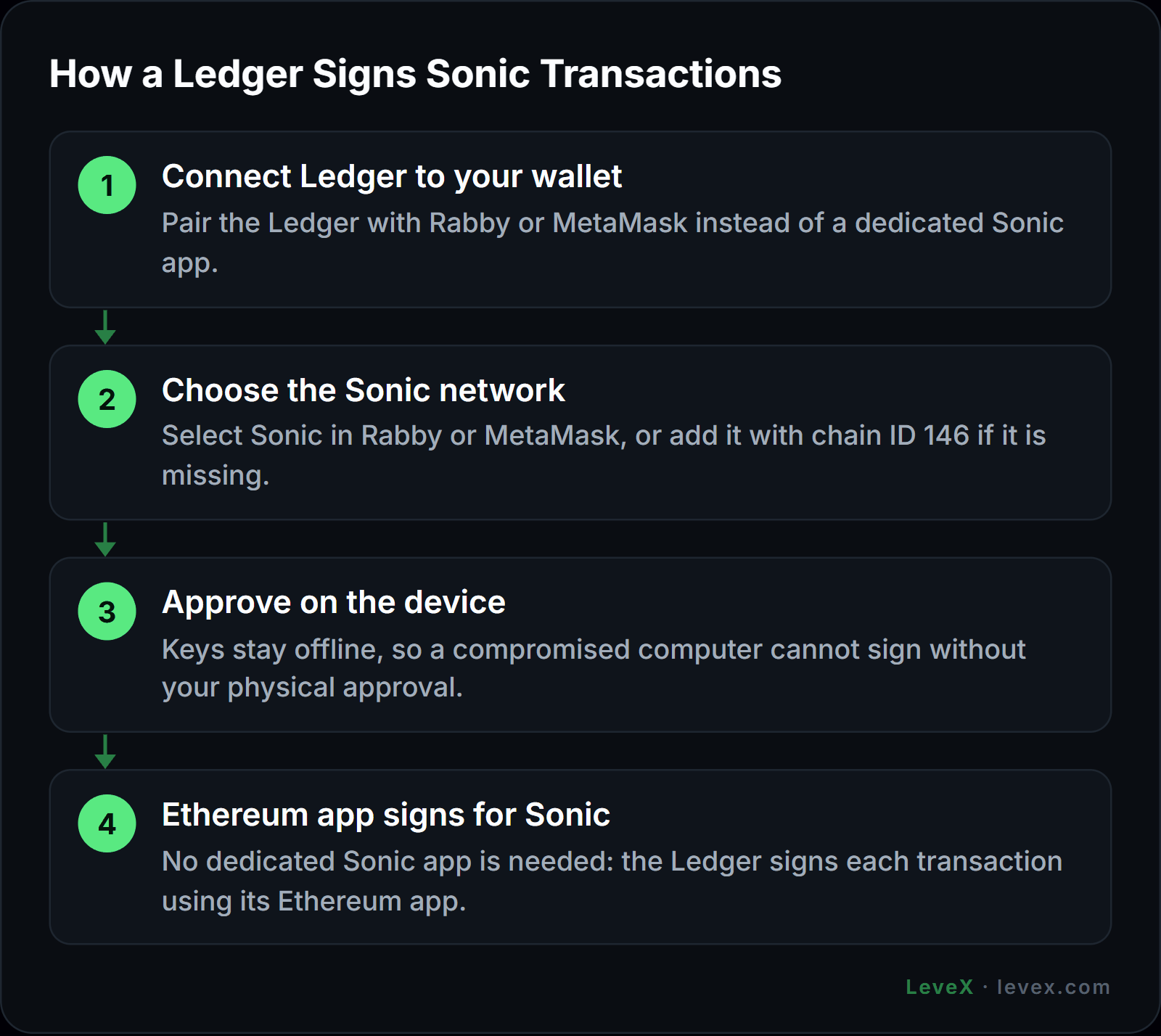
A hardware wallet keeps your private keys offline, so a compromised computer cannot sign transactions without your physical approval on the device. Ledger does not need a dedicated Sonic app for this: you connect it to Rabby or MetaMask, choose Sonic in that wallet, and the Ledger signs each transaction using its Ethereum app. Our guide to cold wallet crypto storage covers how offline signing works across devices.
Holders positioning for a multi-year horizon, the kind of timeframe weighed in our Sonic price prediction, are the ones who benefit most from this setup. For treasuries or shared funds, Safe goes further by requiring several signers, each ideally on a separate hardware wallet, before any transfer leaves the account.
Adding Sonic to Your Wallet
Some wallets add Sonic automatically. For the rest, enter these network details by hand or add them through ChainList:
- Network name: Sonic
- Chain ID: 146
- Currency symbol: S
- RPC URL: https://rpc.soniclabs.com
- Block explorer: https://sonicscan.org
A common mistake is reusing old Fantom Opera settings. Opera used chain ID 250, and FTM held there is a different asset, a distinction explained in our Fantom to Sonic upgrade guide. Wallets built only for non-EVM chains cannot hold S at all, one of the practical differences covered in our Sonic vs Solana comparison.
Keeping Your S Safe
Most losses on Sonic come from signing something harmful, and very few involve broken cryptography. Bookmark official sites such as the MySonic portal and type addresses yourself. Review token approvals regularly and revoke ones you no longer need. Treat any request for your recovery phrase as a theft attempt, and store that phrase offline in more than one place. The LeveX guide to wallets and keys covers these basics in full.
Airdrop positions deserve a special note. Sonic's airdrop allocations were issued as locked positions that do not always appear in a standard wallet balance, and unclaimed tokens from the first two seasons were scheduled for burning after October 15, 2026, as our Sonic tokenomics breakdown explains. Check the official claim portal directly if you think you hold an allocation.
Sonic Wallet FAQ
Can I store S on a Ledger?
You can store S on a Ledger by connecting it to Rabby or MetaMask and selecting the Sonic network. The Ledger signs Sonic transactions through its Ethereum app, so no separate Sonic app is needed.
Why doesn't my S balance show in my wallet?
Your wallet is probably connected to the wrong network or has not added Sonic yet. Add Sonic with chain ID 146, and if the tokens came from the airdrop, check the claim portal, since locked positions may not show as a normal balance.
Is MetaMask safe for Sonic?
MetaMask is a widely used, well-audited wallet and is safe for Sonic when used carefully. For larger balances, pair it with a hardware wallet so transactions require physical confirmation.
Choosing the Right Home for Your S
For most people, Rabby or MetaMask with Sonic added is all you need for day-to-day use, and adding a Ledger turns that setup into secure long-term storage. Teams and large holders should look at Safe multisig.
Buy S for your wallet on the LeveX spot market, or trade price moves without moving tokens on-chain through S perpetual futures. For more storage and token guides, head to Crypto in a Minute.