
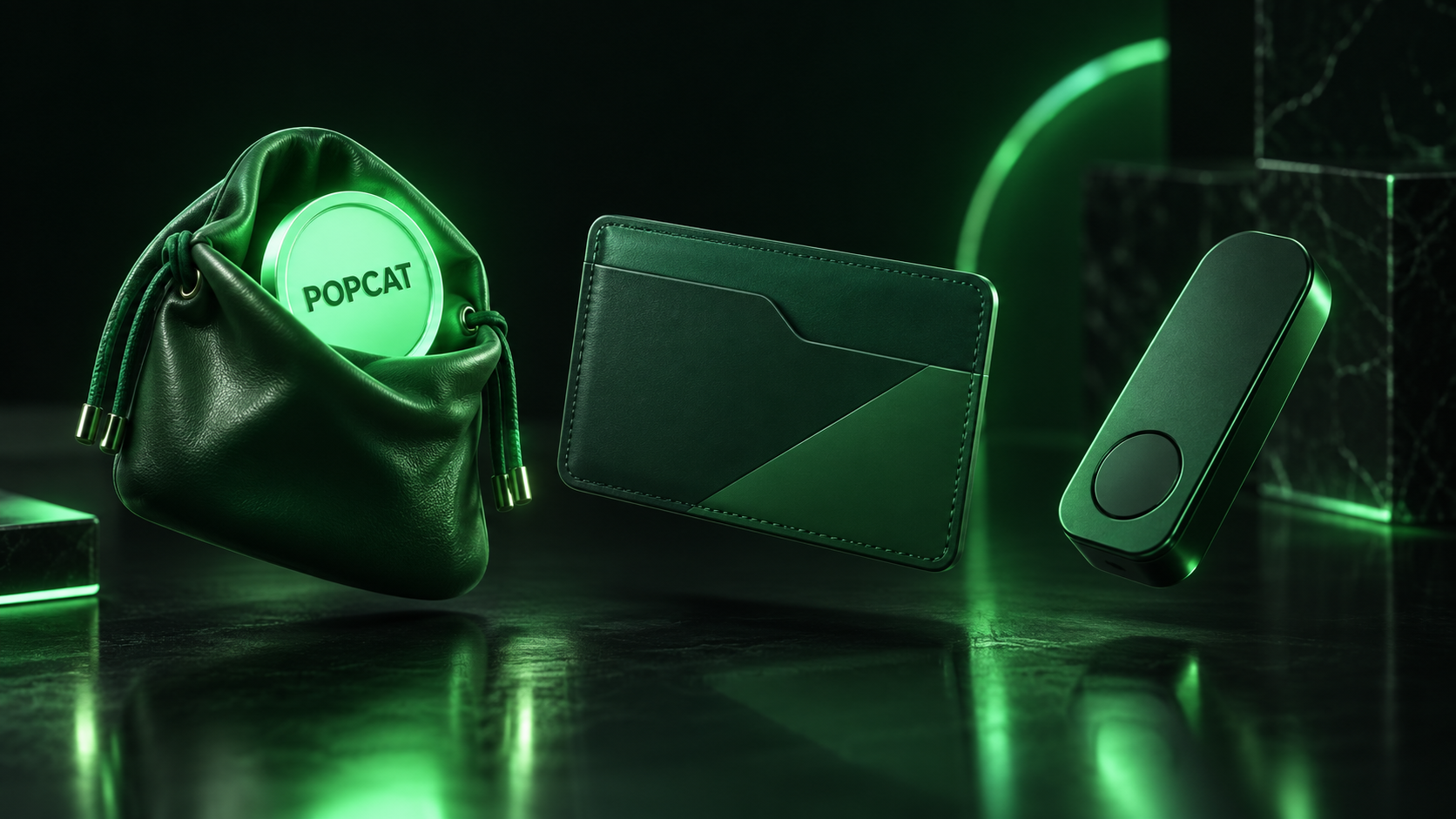
The best POPCAT wallets are Phantom and Solflare for everyday use, Backpack for traders who also want an exchange-style interface, and a Ledger or Trezor hardware device for long-term storage. Because Popcat (POPCAT) is a standard Solana SPL token, any wallet that supports Solana tokens can hold it, so the real decision is how much convenience you are willing to trade for security.
Here is how the main options compare, followed by setup steps and the mistakes that cost POPCAT holders the most.
POPCAT Wallets at a Glance
| Wallet | Type | Best for | POPCAT support | Hardware pairing |
|---|---|---|---|---|
| Phantom | Browser extension and mobile | Beginners, dapp users | Native, auto-detected | Ledger |
| Solflare | Browser extension and mobile | Solana-focused holders | Native, auto-detected | Ledger, Keystone |
| Backpack | Browser extension and mobile | Active traders | Native | Ledger |
| Ledger Nano S Plus / X | Hardware | Long-term storage | Via Phantom or Solflare | Standalone device |
| Trezor Safe series | Hardware | Long-term storage | Solana tokens in Trezor Suite | Standalone device |
All five are self-custody options: you hold the recovery phrase and nobody can reverse a mistake for you. If you are weighing hot and cold storage in general, our explainers on the hot wallet and the cold wallet cover the trade-off in more depth.
Software Wallets for Everyday Holding
Phantom
Phantom is the most widely used Solana wallet and the one most POPCAT holders start with. It detects SPL tokens automatically, shows POPCAT's price and value in the portfolio view, and includes a built-in swap that routes through Solana liquidity. It also flags many known scam tokens and suspicious transactions before you sign. The Phantom help center documents how to add hidden or unrecognized tokens if POPCAT does not appear.
Solflare
Solflare was built for Solana from the start and is especially popular with holders who also stake SOL. It offers a clean token list, transaction simulation before signing and strong hardware-wallet support. For someone whose portfolio is mostly Solana assets, it is arguably the most complete single app.
Backpack
Backpack sits between a wallet and a trading app. It supports multiple chains alongside Solana and suits users who move in and out of positions often. The broader field is reviewed in our guide to the best Solana wallets, which applies to POPCAT as well as to SOL.
Hardware Wallets for Long-Term Storage
A hardware wallet keeps your private keys on a device that never exposes them to the internet. For POPCAT, that means the token lives on Solana as usual while signing happens on the device.
Ledger devices do not display POPCAT inside Ledger Live's portfolio, so most users pair the device with Phantom or Solflare. The software wallet shows the balance and builds transactions, and the Ledger approves them. Trezor added Solana and SPL token support to Trezor Suite in 2024, which lets Trezor owners see and send POPCAT directly.
The case for hardware grows with position size. POPCAT has fallen more than 97% from its high and can move 20% in a day, as our POPCAT price prediction shows, so plenty of holders treat it as a trading position and keep it on an exchange or hot wallet. Anyone holding a meaningful amount through that volatility should protect it with a device.
Setting Up a Wallet for POPCAT
The process takes about five minutes with Phantom or Solflare:
- Install the wallet from its official website or your phone's official app store. Search results and ads are a common source of fake wallet apps.
- Create a new wallet and write the 12- or 24-word recovery phrase on paper. Never store it in a screenshot, cloud note or email.
- Fund the wallet with a small amount of SOL. Every Solana transaction, including receiving and sending POPCAT, needs SOL for network fees.
- Copy your Solana wallet address and send POPCAT to it, or buy POPCAT through the wallet's swap.
- Confirm the token contract on Solscan. The genuine POPCAT address begins
7GCihand endsYmW2hr.
If you plan to move tokens between wallets later, our walkthrough on how to send Solana tokens between wallets covers the steps and fee details.
Mistakes That Cost POPCAT Holders
The most common loss is buying the wrong token. Dozens of copycat "Popcat" tokens exist on Solana and other chains, some with near-identical names and logos. Always check the contract address before swapping, and hide unknown tokens that appear in your wallet uninvited, since airdropped fakes are a favorite phishing tool.
Sending POPCAT to an address on the wrong network is the second trap. POPCAT exists natively on Solana, and bridged versions on other chains are separate tokens with their own contracts. Sending Solana POPCAT to an Ethereum address, or withdrawing from an exchange on the wrong network, can mean a permanent loss.
The third is signing blind. Malicious sites ask wallets to approve transactions that drain every token. Wallets with transaction simulation will usually warn you, and a hardware device forces you to review what you approve. Our support explainer on cryptocurrency wallets and keys covers why the recovery phrase is the only thing that truly matters.
Concentration is a final reason to take storage seriously. With a handful of large wallets holding a big share of supply, as our POPCAT tokenomics breakdown shows, sudden price swings are common and panicked transfers lead to mistakes.
Frequently Asked Questions
Can I store POPCAT on a Ledger?
You can store POPCAT on a Ledger by pairing the device with Phantom or Solflare. Ledger Live does not list POPCAT in its portfolio view, but the token sits safely at your Ledger's Solana address and the paired wallet displays it.
Why is POPCAT not showing in my wallet?
POPCAT usually fails to appear because the wallet has hidden it as an unverified token or the transfer is still confirming. Check the transaction on a Solana explorer, then use the wallet's "manage tokens" option to unhide it or add the contract address manually.
Do I need SOL to hold POPCAT?
You need a small amount of SOL to send, swap or receive POPCAT for the first time, because Solana charges network fees and rent for token accounts in SOL. Holding POPCAT requires no ongoing SOL once the token account exists.
Choosing Where Your Cat Lives
For most POPCAT holders the practical setup is simple: Phantom or Solflare for the portion you trade, a hardware wallet for anything you plan to hold through the swings. Verify the contract every time, guard the recovery phrase and keep some SOL for fees, and the storage side of owning a memecoin becomes the easy part. For the story of the image behind the token, see our history of the Popcat meme origin.
If you would rather skip key management, you can buy and sell POPCAT spot on LeveX or trade price moves through POPCAT perpetual futures without any on-chain setup. For more guides like this one, browse Crypto in a Minute.