
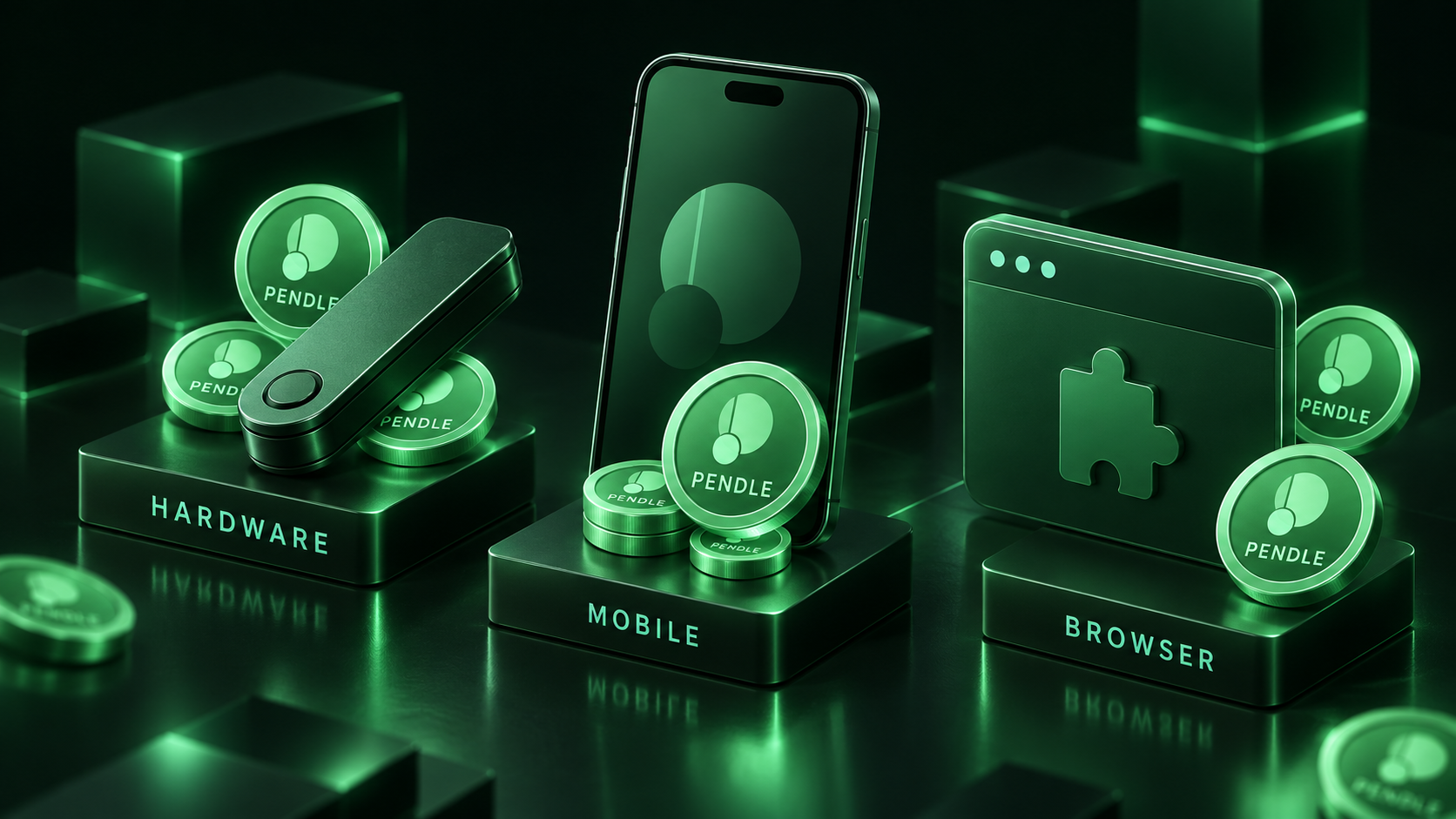
The best wallet for PENDLE is a browser wallet that handles several EVM networks cleanly, Rabby or MetaMask, paired with a Ledger or Trezor for any balance large enough to hurt. PENDLE is an ERC-20 token that lives on Ethereum and on Layer 2s such as Arbitrum, and everything useful you can do with it, staking for sPENDLE, trading Principal and Yield Tokens, using Boros, happens through Pendle's web app, so the wallet you choose needs to sign transactions on those chains and connect to that app without fuss. Below is the short list, what each is good at, and how to connect.
The short list
| Wallet | Type | Networks that matter for PENDLE | Hardware pairing | Where it fits |
|---|---|---|---|---|
| Rabby | Browser extension, mobile | Ethereum, Arbitrum and every chain Pendle deploys on, with automatic network switching | Ledger, Trezor and others | Daily use of the Pendle app, especially across several chains |
| MetaMask | Browser extension, mobile | Ethereum plus any EVM chain added manually | Ledger, Trezor | The default most DeFi apps are tested against; widest compatibility |
| Ledger | Hardware | Any EVM chain through a paired software wallet | Native | Cold storage for large PENDLE or sPENDLE balances |
| Trezor | Hardware | Any EVM chain through a paired software wallet | Native | Same role as Ledger, open-source design |
| Trust Wallet | Mobile, browser extension | Ethereum, Arbitrum, BNB Chain and others | Limited | Mobile-first holders who occasionally use the app |
| Phantom | Browser extension, mobile | Ethereum and major EVM chains alongside Solana | Ledger | Users who also hold Solana assets and want one wallet |
None of these charge for holding PENDLE. The differences are in how well they handle multi-chain DeFi, how they protect you from bad transactions, and whether they let a hardware key sign.
The wallets in detail
Rabby: built for exactly this
Rabby is the wallet most Pendle power users end up on, because it was designed for multi-chain DeFi rather than adapted to it. It switches networks automatically when the Pendle app asks, so moving from an Ethereum market to a Boros position on Arbitrum needs no manual chain change. Before you sign, it simulates the transaction and shows the balance changes and any approval you are granting, and it flags contracts and addresses it considers risky. For a protocol where a single approval can expose an entire token balance, that pre-signing check is worth more than any other feature. Rabby's documentation covers the simulation and its hardware support, which includes Ledger and Trezor.
MetaMask: the default everything supports
MetaMask remains the wallet every DeFi front end is tested against, Pendle included, and its mobile app and extension share a seed phrase, so a position opened on desktop can be checked on a phone. The trade-offs are the ones long-time users know: networks such as Arbitrum must be added by hand or through a prompt, transaction previews are thinner than Rabby's, and the default RPC endpoints can lag during congestion. It pairs with Ledger and Trezor, and its token list needs PENDLE added manually on some networks, which is a two-minute task with the contract address from Pendle's documentation. On Ethereum mainnet the wallet is only part of the cost; Ethereum gas fees for a stake or a market entry can exceed the value of a small position, which is one reason Pendle's Layer 2 deployments matter.
Ledger and Trezor: where large balances belong
A hardware wallet does one thing, keeps the private key off the computer, and for a token whose staking contract and markets run on public chains that one thing is decisive. In practice you pair the device with Rabby or MetaMask, which becomes the interface, and every transaction is confirmed on the device's screen. Ledger supports Ethereum and its Layer 2s natively, and Trezor works the same way through the paired wallet. Neither is necessary for a trading-sized balance that turns over weekly; both are sensible for a staked position that will sit in sPENDLE through a whole yield cycle, the kind of holding whose economics are covered in the PENDLE tokenomics.
Trust Wallet and Phantom: mobile and multi-ecosystem
Trust Wallet is the choice for holders who mostly want to see and move PENDLE from a phone. It supports Ethereum, Arbitrum and BNB Chain out of the box and connects to the Pendle app through WalletConnect, though its transaction previews are basic and hardware support is limited. Phantom, originally a Solana wallet, added Ethereum and the major EVM chains, and it is the natural pick for anyone who also holds Solana assets, a combination that will grow more common as Pendle's Citadels program carries Principal Tokens to Solana. Both are fine for occasional use of the app; neither is where a large balance should live.
Connecting to the Pendle app
- Install one wallet and back up the seed phrase offline. Write it down; never store it in a screenshot or a cloud note.
- Add the network you will use. Rabby handles this automatically. In MetaMask, add Arbitrum or another Layer 2 when the app prompts you, or from the network menu.
- Fund the wallet with gas. ETH on mainnet or on the Layer 2 you chose. A few dollars covers many transactions on a Layer 2; mainnet needs more.
- Move PENDLE in. Withdraw from an exchange to the wallet address on the correct network, or bridge from another chain. Send a small test amount first.
- Connect and act. Open the Pendle app, click connect, choose the wallet, and approve the connection. From there you can stake into sPENDLE, enter a market, or open a Boros position, each of which asks for a token approval before the first transaction.
If the wallet shows a zero PENDLE balance after a transfer, the token has usually arrived on a different network from the one selected, or it needs to be added to the token list; the funds are still there.
Keeping the position safe
Approvals are the main way DeFi wallets lose funds. When the Pendle app asks to approve PENDLE or a Principal Token, approve the amount you intend to use rather than an unlimited allowance if the wallet offers the choice, and revoke old approvals periodically. Verify the token contract address against Pendle's documentation before adding it manually, because look-alike tokens with the same ticker exist on every chain. Keep the seed phrase offline and the hardware device's PIN separate from it.
Size matters more than most people expect. PENDLE has traded like leveraged DeFi beta, and the PENDLE price outlook shows how wide its range has been within a year, so a wallet holding a meaningful position should be one you have already tested with small transfers. The same discipline applies to the Pendle markets themselves: the Principal and Yield Tokens you hold sit in the same wallet, and a YT position approaching maturity needs the wallet to be accessible on the day.
Frequently Asked Questions
Which wallet works best with the Pendle app?
Rabby and MetaMask both work with every part of the Pendle app, and Rabby's automatic network switching and transaction simulation make it the smoother choice for users who move between Ethereum and Layer 2 markets. Either can be paired with a Ledger or Trezor so the hardware device signs while the extension provides the interface.
Can I keep PENDLE on a Ledger?
Yes. PENDLE is an ERC-20 token, so a Ledger holds it on Ethereum and on Layer 2s such as Arbitrum through the device's Ethereum app. You interact with the Pendle app by pairing the Ledger with Rabby or MetaMask, and every transaction is confirmed on the device.
Do I need a wallet if I only trade PENDLE on LeveX?
No. Trading PENDLE on LeveX spot or perpetual futures happens inside the exchange account, with no wallet or gas required. A self-custody wallet becomes necessary only when you want to withdraw PENDLE to stake it as sPENDLE or to use Pendle's markets directly.
Match the wallet to what you will do
A trader who wants price exposure needs no wallet at all. A holder who wants the sPENDLE revenue share needs a browser wallet, and one who wants that revenue share on a balance worth protecting needs a hardware key behind it. Rabby for the interface, a Ledger for the signature, and a small test transfer before anything large covers almost every case.
For the exposure itself, LeveX lists PENDLE spot for buying tokens you can later withdraw, and PENDLE perpetual futures for leveraged positions that never leave the exchange. More guides sit in Crypto in a Minute.