
How to Use Arkham Intelligence: A Trader's Walkthrough
Arkham (ARKM)'s Analytics Platform packs more functionality than most traders realize, and the free tier is wide enough that you can run real research without paying a cent. The trick is knowing which tool to reach for at each stage of an investigation. This walkthrough covers the workflows that experienced on-chain researchers actually use.
Setting Up Your Account
Sign up at intel.arkm.com with an email address. Free accounts get full access to dashboards, the Visualizer, basic Oracle queries, and a starter quota of alerts. Premium tiers unlock higher alert limits, webhook integrations, and deeper Oracle reasoning, all paid in ARKM or convertible from fiat.
Linking a wallet address is optional but worth doing for any researcher who plans to participate in the Intel Exchange. The wallet pairing connects your account to bounty submissions and lets you stake the 10 ARKM submission collateral required to compete for bounties. Holders setting up wallets for serious platform use should consult our best ARKM wallets breakdown to pick the right hot wallet plus hardware combination.
Tracking Wallets and Entities
The Analytics Platform's strongest feature is entity-aware wallet tracking. When you search for a wallet address, Arkham returns the balance, transaction history, and the labeled entity behind it if one exists. Major exchanges, prominent funds, market makers, and known whales show up with attributed labels rather than as anonymous addresses.
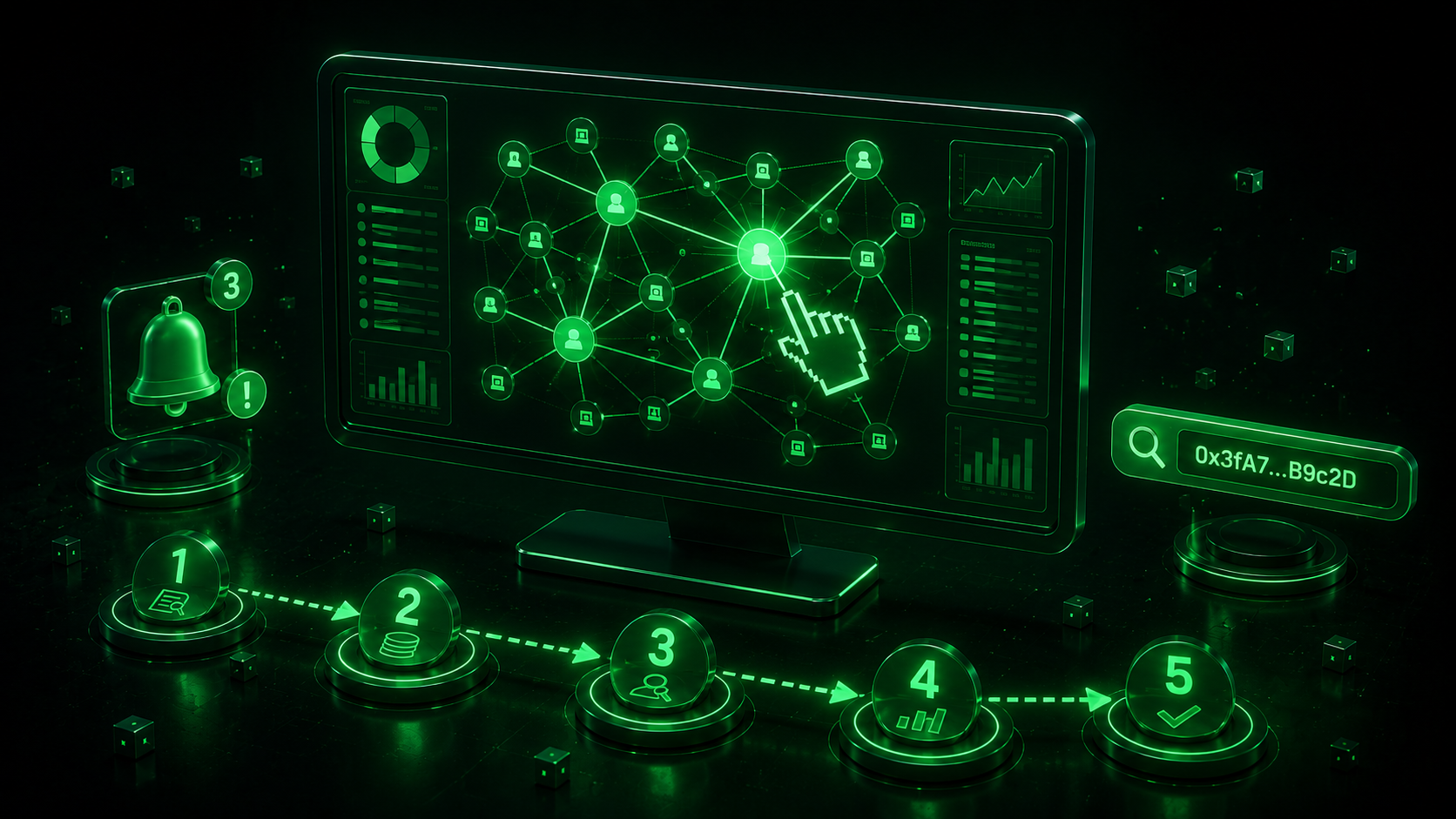
The typical workflow for whale tracking looks like this:
- Search for a transaction hash, token, or address you want to investigate
- Click into the wallet detail page to see balances, top holdings, and transaction history
- Use the "Entities" tab to identify what kind of actor controls the wallet
- Set up alerts on the wallet if you want notifications for future activity
- Open the Visualizer if you need to trace fund flows to and from this wallet
The entity attribution is where Arkham earns its niche. Other on-chain tools surface wallet activity without context; Arkham aims to tell you who you're looking at. The accuracy depends on the labels in the database, and major entities are well-covered while long-tail addresses often remain unlabeled.
The Visualizer
The Visualizer is a graph-based tool that traces fund flows across multiple chains in a single canvas. Click any wallet and it expands into nodes representing recipients of outgoing transfers and senders of incoming ones, with edge thickness corresponding to value.
For investigators following hack proceeds, the Visualizer shortens what used to be hours of manual transaction chaining into minutes, a workflow Coin Bureau's Arkham review walks through with concrete examples. You can pin specific wallets, filter by value, exclude known exchange deposits, and export the resulting graph as an image for reports. The multichain stitching is particularly useful when proceeds move from Ethereum to Solana via a bridge; the graph follows the bridged value rather than dead-ending at the source chain.
Visualizer graphs can be saved and shared, which makes them useful for collaborative research or for publishing attribution work to a broader audience.
Oracle and AI-Assisted Queries
Oracle is Arkham's natural-language interface to its database, described in detail on the official Arkham platform. Type a query in English and Oracle returns a structured answer drawn from the labeled wallet and transaction data.
Useful Oracle prompts include identifying which entities hold the most of a specific token, surfacing recent large transfers between exchanges and external wallets, finding wallets connected to a specific protocol, and ranking trading patterns by aggregate volume. The accuracy depends on how well your question maps to labeled data, and well-structured queries about major entities return more reliable results than open-ended exploration prompts.
For traders weighing ARKM as a position alongside platform usage, our ARKM price prediction analysis covers the catalyst calendar, and the ARKM tokenomics deep dive maps how Oracle subscription demand feeds back into the token economy.
Alerts and Automation
Alerts trigger on specific on-chain events. The basic configurations include large transfers from a watched wallet, deposits to a centralized exchange, contract interactions matching a pattern, and balance changes crossing a threshold. Premium subscribers can route alerts to webhooks, which is how trading desks pipe Arkham signals into their internal systems without paying institutional analytics pricing.
A practical alert setup for whale tracking looks like watching the top 20 wallets for a token you trade and triggering notifications when any of them deposit a meaningful balance to a known exchange. That single signal isn't sufficient for trading decisions, but it adds a useful input to a broader thesis. Setting up the same alert system for newly listed tokens in your watchlist gives early warning when initial-investor cohorts start unwinding.
For users who want to monetize their on-chain research, the same data accessible through the Analytics Platform feeds into the Intel Exchange bounty marketplace. Our Arkham Intel Exchange breakdown covers how to convert research workflows into bounty submissions.
Getting the Most Out of Arkham
Arkham rewards users who combine its tools rather than using any single feature in isolation. Whale tracking sets up a hypothesis; the Visualizer tests it; Oracle queries verify the entity context; alerts catch the next move. That workflow loop is where the platform earns its keep.
The free tier covers most retail use cases. Premium tiers make sense for researchers running professional workflows, trading desks needing webhook automation, or Intel Exchange bounty hunters who benefit from the additional Oracle reasoning depth. The decision should be driven by your workflow rather than the price point.
Trade ARKM on spot markets or open a position with ARKM futures on LeveX. Browse Crypto in a Minute for more token guides.